
Making sense of data is the key to staying ahead. Microsoft Power BI is a powerful tool that helps you do just that by turning raw data from diverse sources into coherent, interactive, and compelling insights.
Power BI is more than just a visualization tool—it’s a comprehensive suite of Software Services, Apps, and Connectors designed to bring your data to life.
Whether your data resides in an Excel spreadsheet, cloud-based storage, or hybrid on-premises data warehouses, Power BI makes it easy to:
- Connect to your data sources effortlessly.
- Visualize complex information in a way that’s both immersive and intuitive.
- Share meaningful insights with your team or organization
We’ll go over the 3 Core Platforms of PowerBI, how it can enhance productivity with its Role Based Usage, and wrap up with a example of a Basic Workflow –
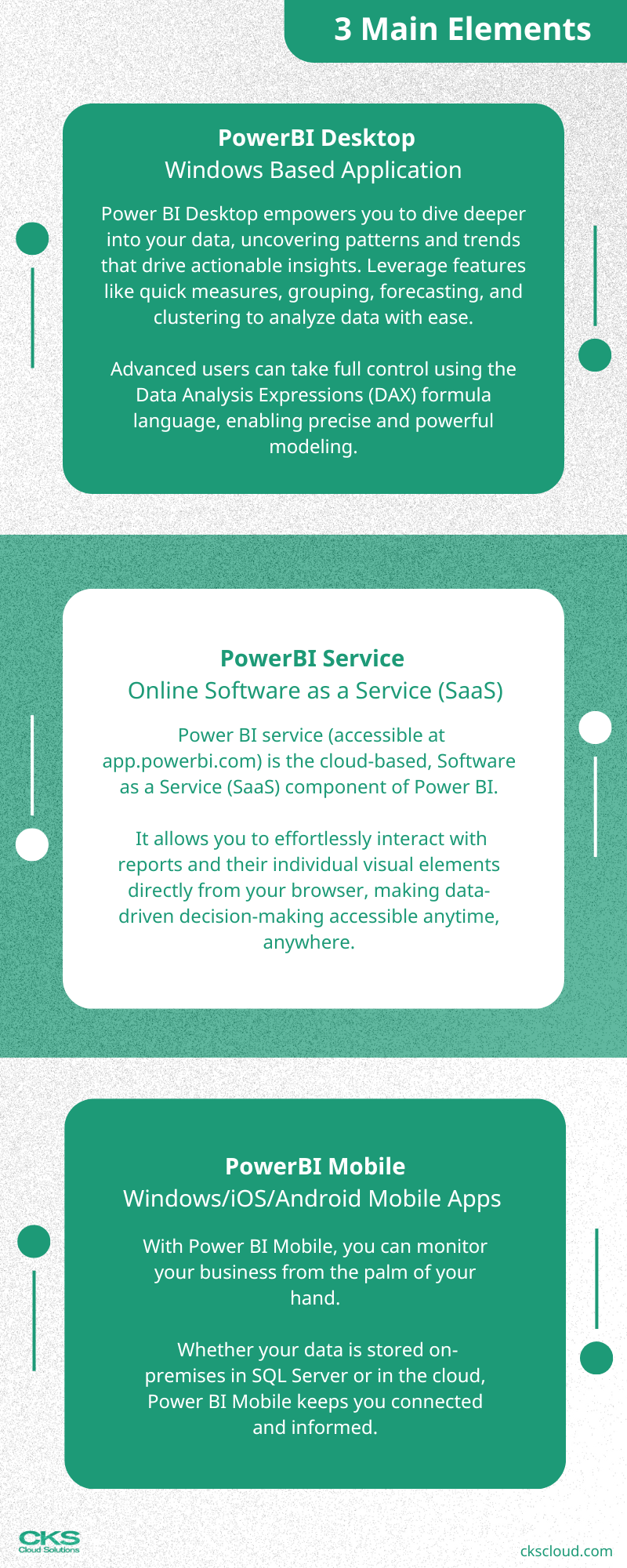
3 Main Elements
PowerBI has 3 core platforms that work seamlessly together:
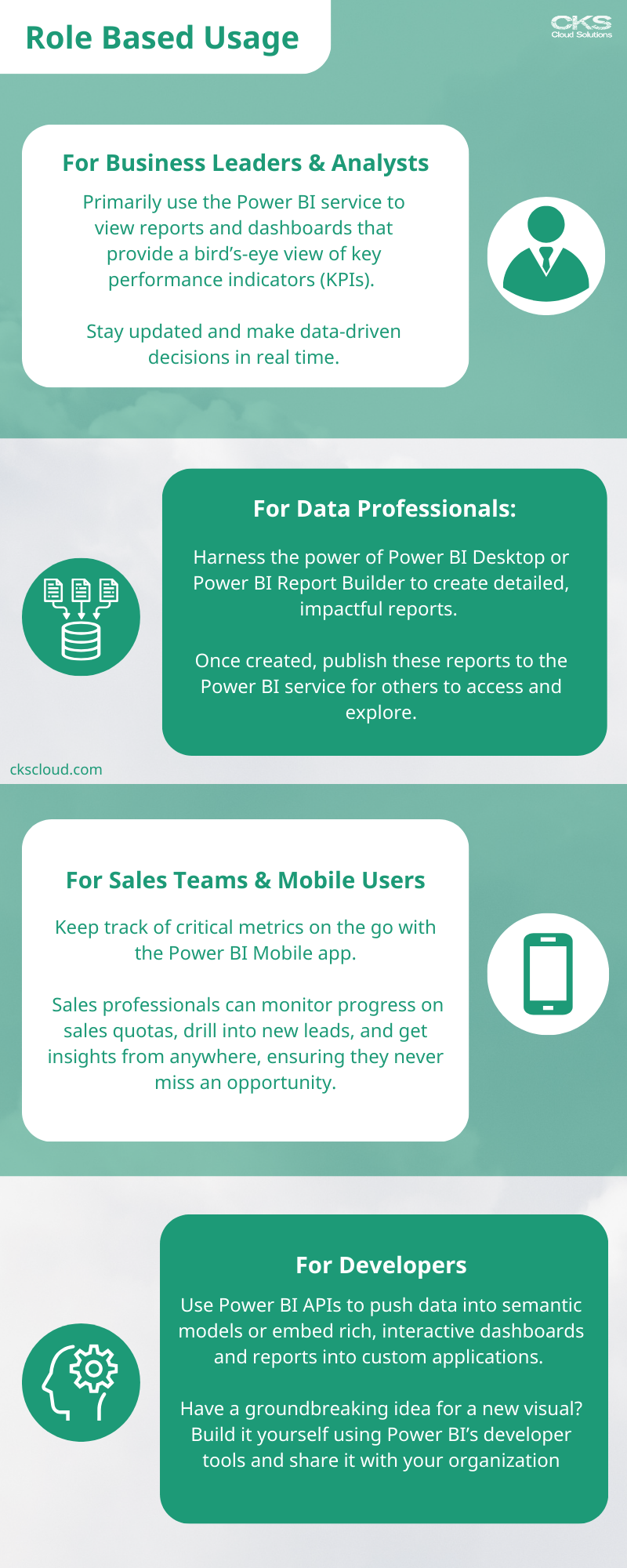
Role Based Usage
Microsoft Power BI isn’t just a one-size-fits-all tool — it’s a versatile platform designed to meet the unique needs of every role in your organization:
The Basic Workflow
Microsoft Power BI brings together a seamless workflow to transform raw data into actionable insights, empowering collaboration and decision-making across your organization.
Let’s explore a common workflow that showcases how the three main Power BI elements—Desktop, Service, and Mobile—work together.




 CKS // Cloud Solutions
Leave a comment